
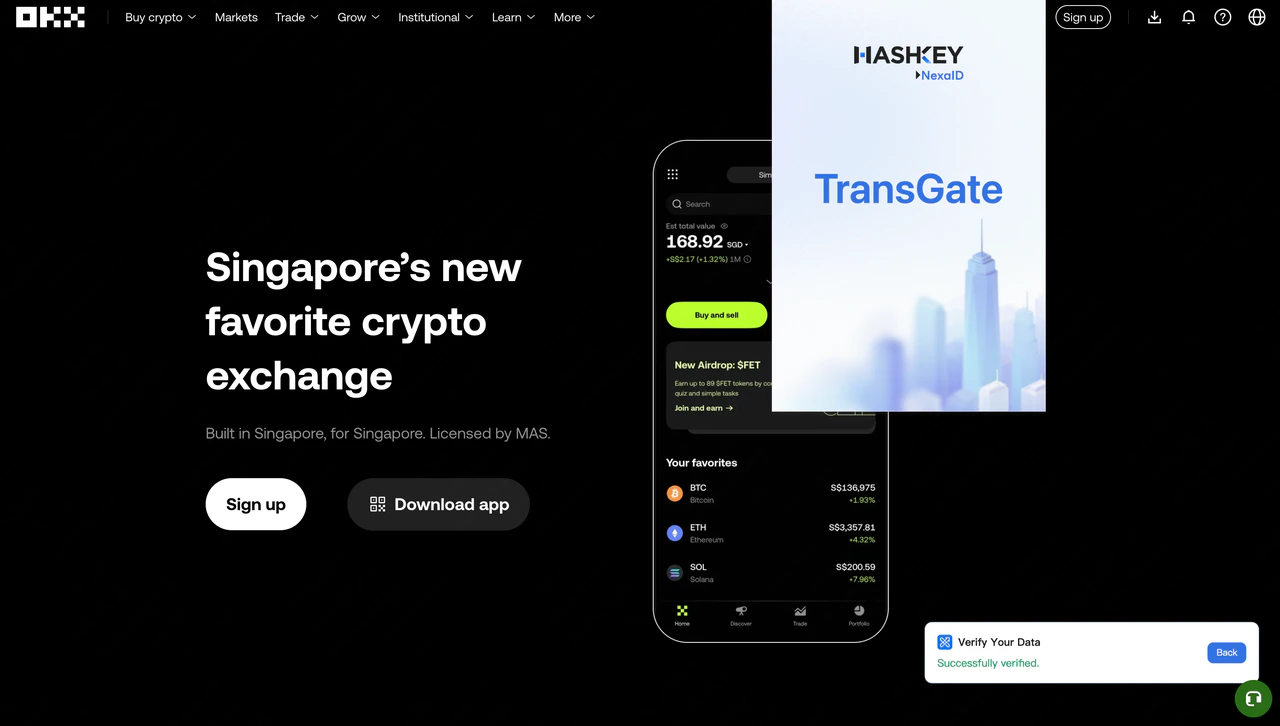
1. Attestation
(1) Create attestation
The attestation function allows you to create verifiable proofs from various types of internet data. Currently supported options include:- Asset Verification: Attest your asset balance, token holdings, or 30-day spot trading volume on an exchange.
- Humanity Verification: Attest your KYC completion status on an exchange or prove ownership of a social media account.
- Social Connections: Attest your follower count on social media platforms.
(2) Submit proof on-chain
To allow web3 projects or dApps to verify your attestations, you need to submit them on-chain. The extension currently supports the following blockchains:- Linea
- BNB Chain
- opBNB
- Arbitrum
- Scroll
4. Settings
Customize your preferences from the Settings page:- Password Management: Set or change your password for secure access.